Native daily chat
Designed for iPhone and iPad instead of feeling like a web dashboard squeezed onto a small screen.
 Daotuan Chat道湍聊
Native for iPhone and iPad
A calmer BYOK chat client for iPhone and iPad. Bring your own API keys, keep control of your models, and avoid another bloated AI workspace.
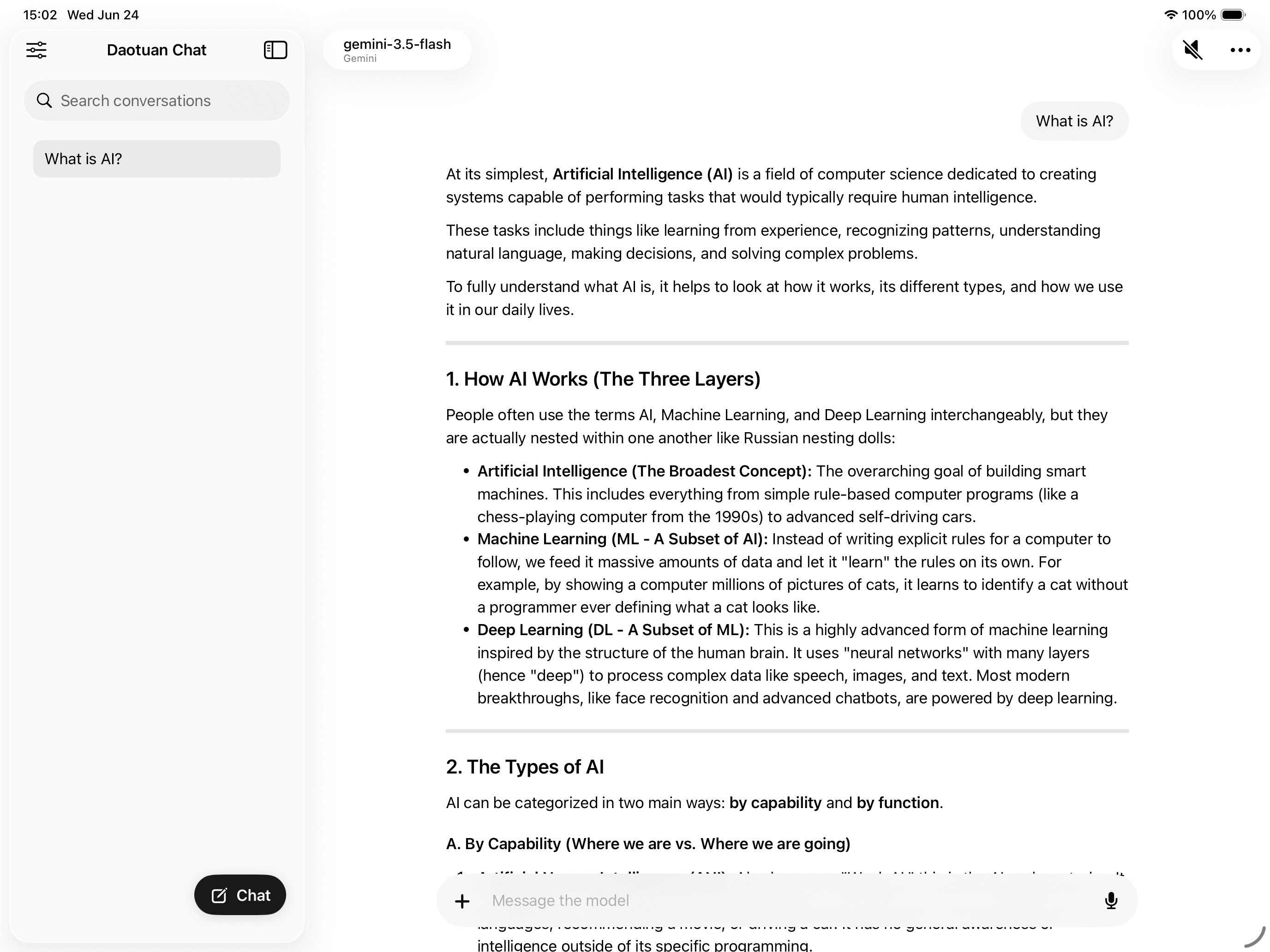
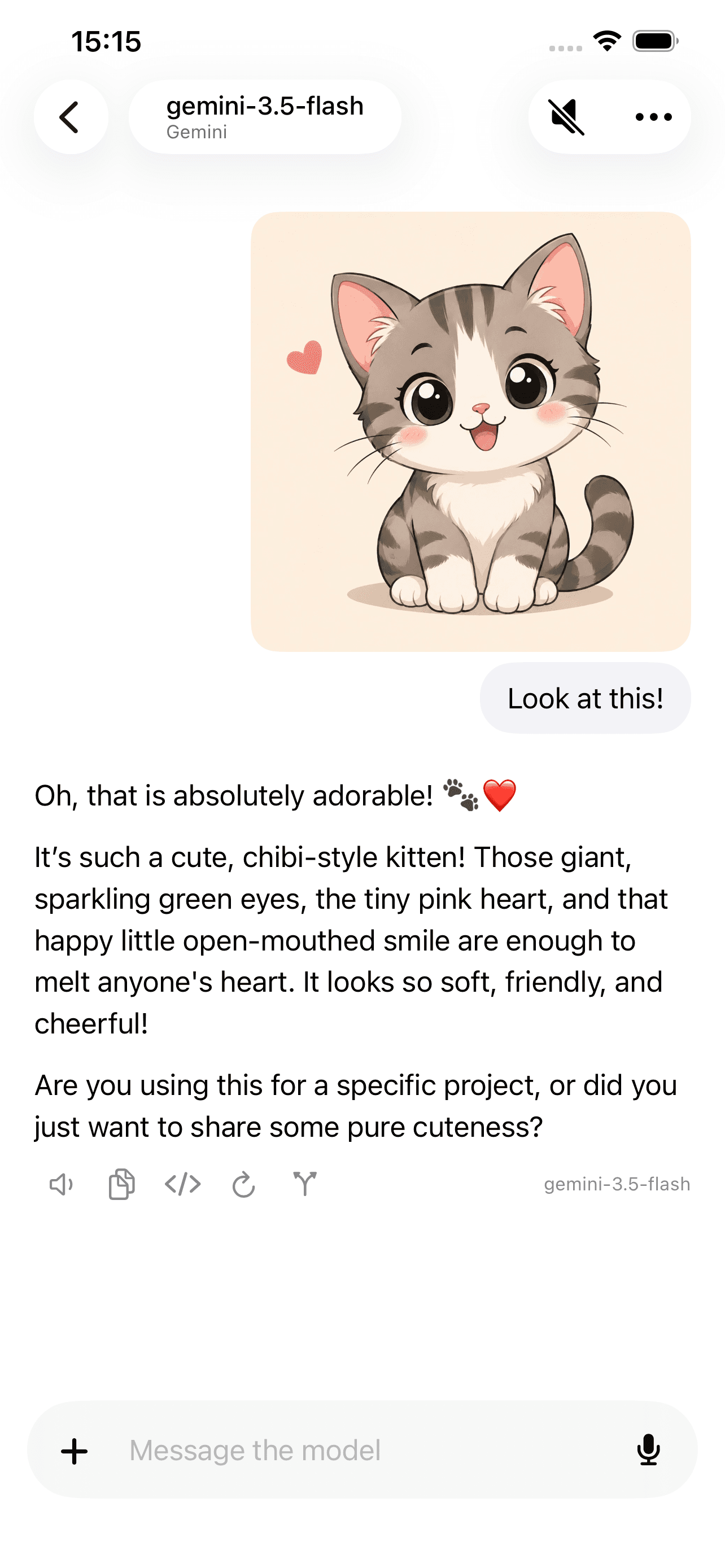
Use familiar AI services in one native client
Control without clutter
Many BYOK tools compete on more models, more agents, more dashboards, and more automation. Daotuan Chat is deliberately narrower: a native iPhone and iPad client for people who want a cleaner way to talk with the models they already pay for.
Designed for iPhone and iPad instead of feeling like a web dashboard squeezed onto a small screen.
Keep your own API keys and provider choices without turning setup into a developer-only control panel.
Keys stay in iOS Keychain, conversations stay on device, and requests go directly to the provider you choose.
Why Daotuan
Four API protocols, nine provider presets, and support for compatible custom services. Choose OpenAI, Claude, Gemini, DeepSeek, OpenRouter, Moonshot, Zhipu, MiniMax, or your own endpoint.
Bring your own keys without living in a developer console. Provider setup, endpoint customization, and model selection are kept visible and reusable.
No team dashboard, no agent builder, no workflow maze. The product stays centered on real conversations: streaming, Markdown, math, search, attachments, voice, editing, and branching.
Conversations and attachments stay in the app sandbox. API keys are stored in iOS Keychain, and requests go directly to your selected provider.
More than text in, text out
Read long answers comfortably on iPad, then search the web, speak a message, or listen to a response naturally on iPhone.
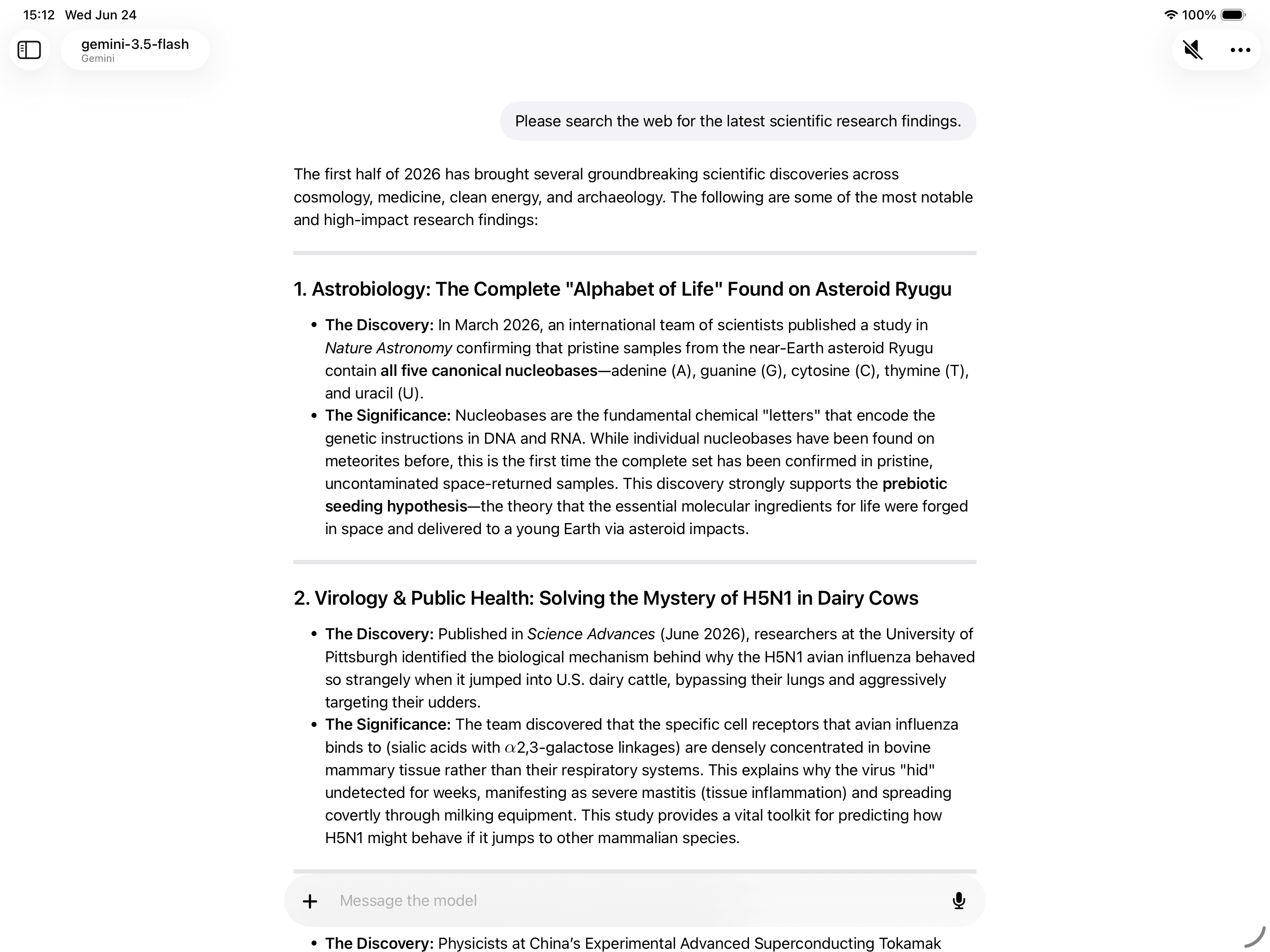
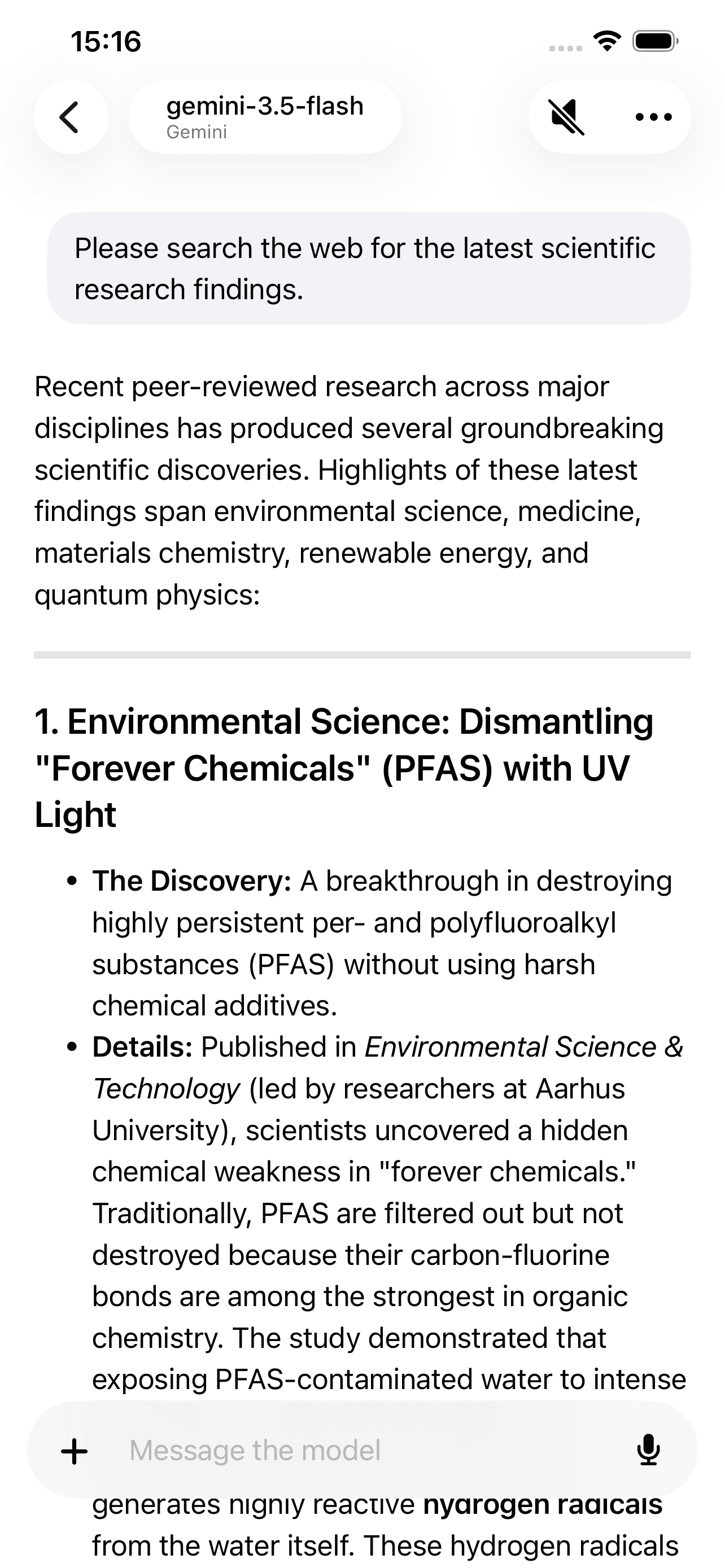
Use provider-native search tools to retrieve current information.
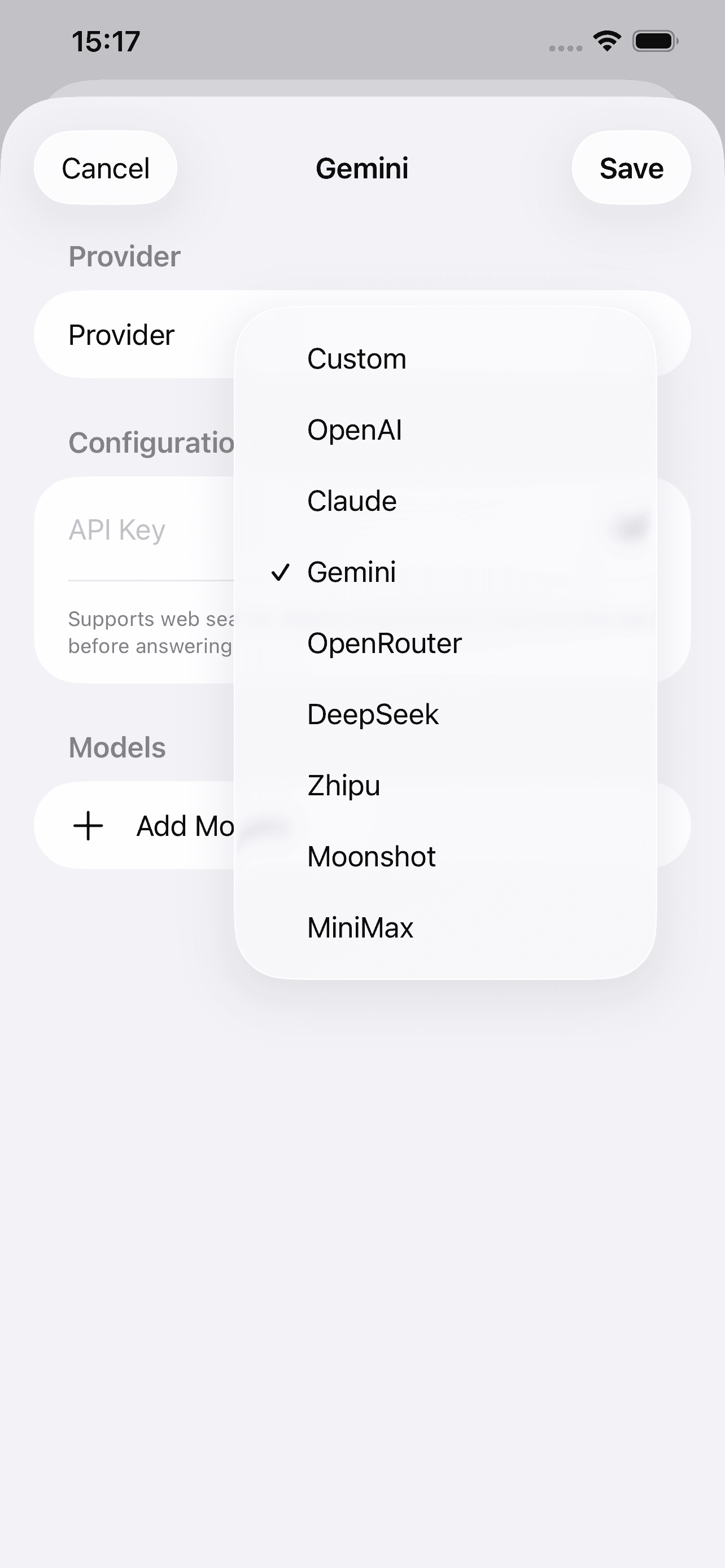
Manage provider presets and custom configurations in one place.
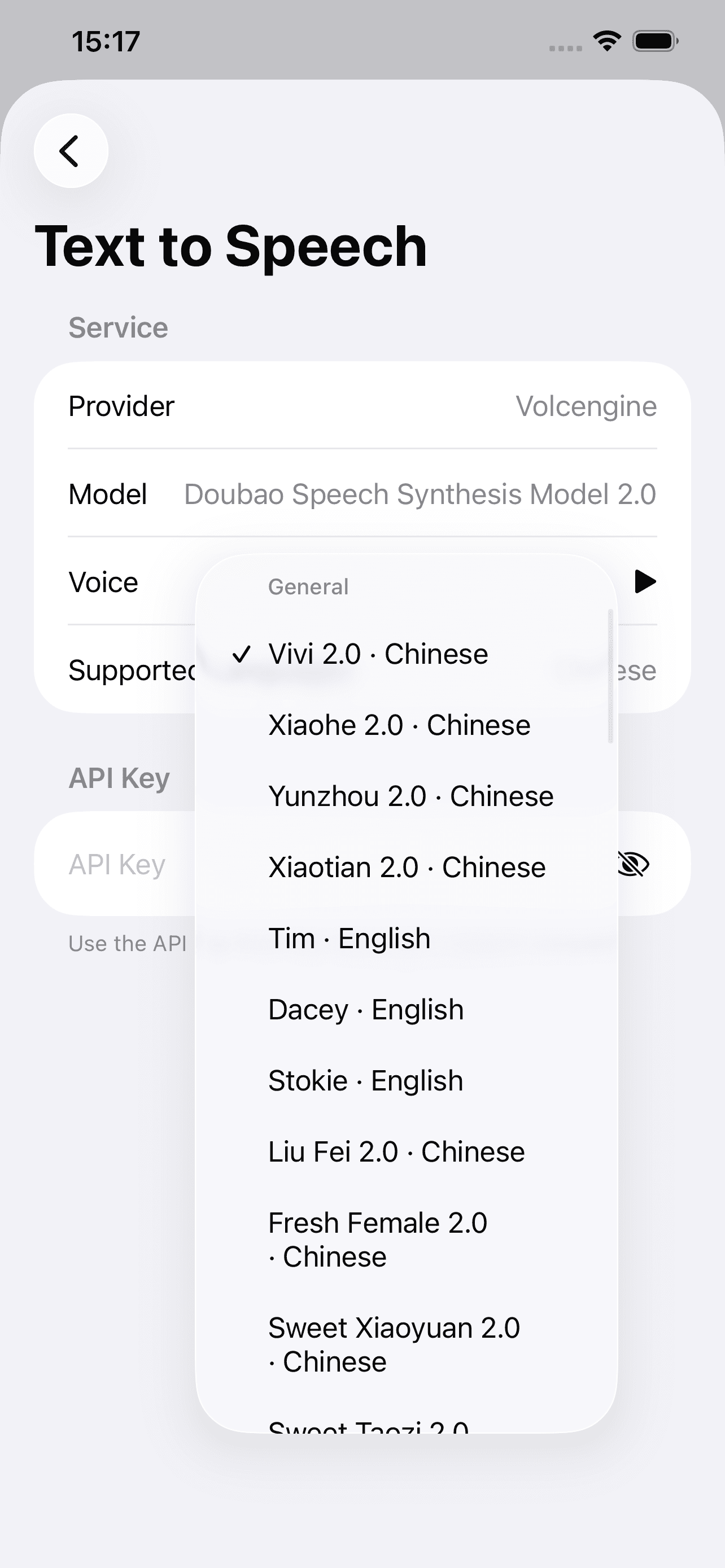
Configure a speech service, preview voices, and choose the right one.
Local-first
Daotuan Chat does not require an account or route model requests through its own servers. Messages go to the AI provider you configure; local data remains on your device.
Read the privacy policyDaotuan Chat
Daotuan Chat is available now on the App Store for people who want model control without workspace clutter.